A Guide to Audio for YouTube Beginners: Get Pro Sound With a $50 Mic
Have you ever wondered if audio for YouTube beginners could sound as good as professional studios without spending hundreds of dollars? In today’s competitive content world, great visuals alone aren’t enough — clear and engaging audio is what truly keeps viewers watching until the end. Many first-time creators believe that achieving professional-grade sound requires expensive gear, but that’s no longer the case. With the right knowledge, a smart purchase, and a little practice, you can transform your channel’s audio on a budget.
Imagine recording videos where every word is crisp, background noise is minimized, and your voice sounds warm and inviting — all for less than the cost of a fancy dinner. Thanks to affordable microphones and simple setup tricks, achieving studio-like sound is easier than ever. Whether you’re filming tutorials, interviews, or vlogs, your audience will notice the difference when your audio is crystal clear.
This guide will walk you through everything you need to know — from comparing popular mic options like Blue Yeti vs. Fifine K669 to learning how to reduce echo in your room and mastering beginner-friendly software. By the end, you’ll know exactly how to create high-quality sound without overspending, and you’ll be ready to impress your viewers from the very first upload.
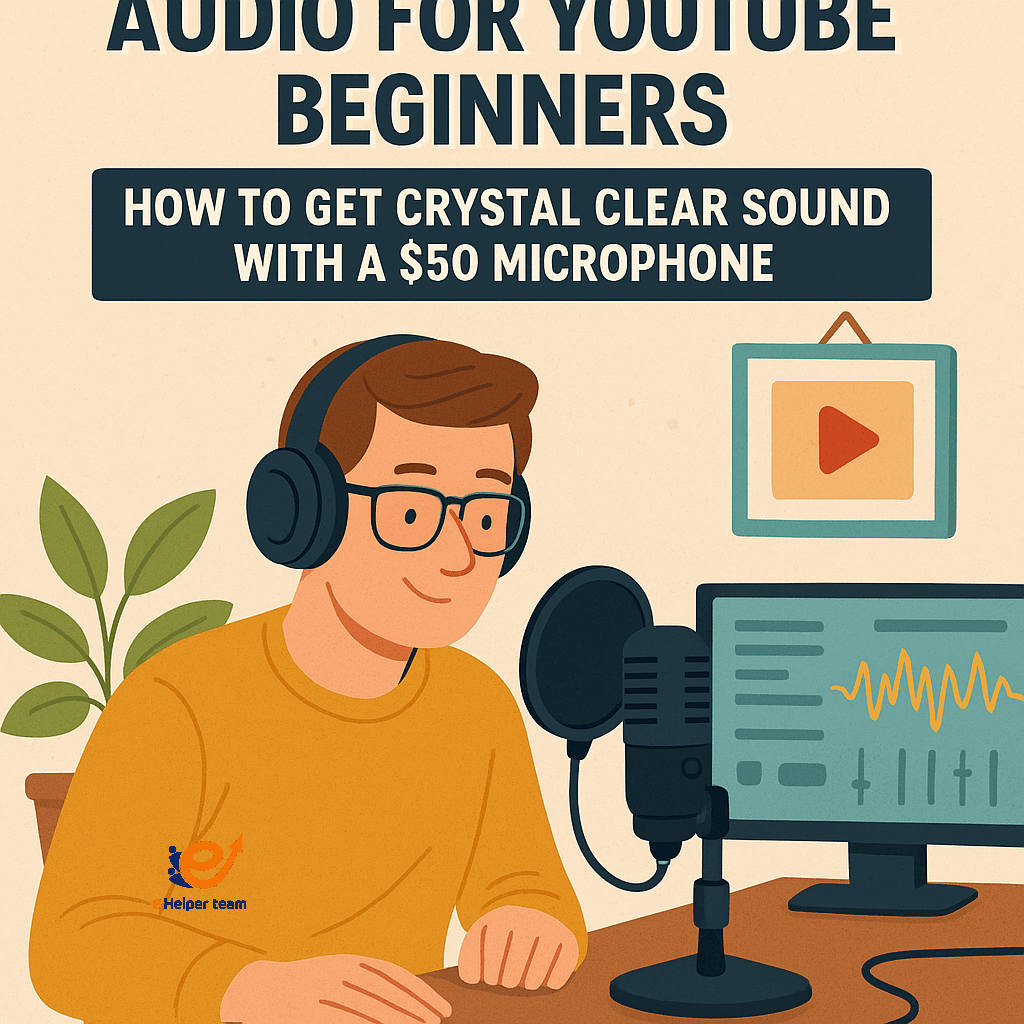


Why Audio Quality Matters More Than You Think
When a viewer clicks on your video, they’re making an instant judgment about your professionalism. While video quality is important, studies show that audiences are far less tolerant of poor sound than they are of slightly imperfect visuals.
High-quality audio builds trust, conveys authority, and allows your personality to shine. On the other hand, muffled voices, distracting background noises, or echo-filled recordings will push viewers away, even if your content is great.
Choosing the Right $50 Microphone
Finding the perfect microphone in this price range requires balancing quality, durability, and ease of use. Here are three standout options for beginners:
| Microphone | Price | Key Features | Best For |
|---|---|---|---|
| Fifine K669 | $30–$35 | USB connection, cardioid pattern, durable metal body | Beginners and podcast-style videos |
| TONOR TC30 | $35–$40 | Plug-and-play, shock mount, compact stand | Tutorials and screen recordings |
| Maono AU-A04 | $45–$50 | Full kit with pop filter, shock mount, boom arm | Voiceovers and home studio setups |
When comparing Blue Yeti vs. Fifine K669, remember that while the Blue Yeti offers more features like multiple pickup patterns, the Fifine delivers surprisingly good audio at a fraction of the cost — making it ideal for creators just starting out.
USB vs. XLR Microphones — Which is Better for Beginners?
USB Microphones: Simple plug-and-play setup, affordable, no extra gear needed. Perfect for beginners.
XLR Microphones: Higher potential quality, more durable, but require an audio interface, which increases cost.
For most audio for YouTube beginners, a USB microphone is the smartest choice — it’s simple, budget-friendly, and delivers excellent results without technical hassle.
How to Reduce Echo in Your Room
Echo and reverb can ruin even the clearest recording. Here’s how to reduce it on a budget:
Hang thick curtains or blankets near your recording area.
Place rugs or carpets on hard floors.
Use bookshelves filled with books as natural sound diffusers.
You don’t need expensive studio foam — small changes can make a big difference.
Lavalier Mic Setup for Mobile Creators
If you record while walking or standing further from the camera, a lavalier microphone is ideal. Lightweight and clip-on, it’s easy to hide on your clothing.
Pairing a lav mic with a smartphone setup is a great mobile recording solution. You can even turn your phone into a webcam for streaming with this step-by-step guide.
Beginner-Friendly Audio Editing with Audacity
Audacity is a free, open-source audio editor that’s perfect for beginners. With it, you can:
Apply noise reduction to remove background hum.
Use equalization to enhance vocal clarity.
Apply compression for balanced volume levels.
If you want to understand how audio processing works, you can learn from detailed resources on sound engineering.
Real-World Case Study: How Good Audio Boosted Channel Growth
A small cooking channel in the UK invested in a $45 Fifine microphone, hung thick curtains around the filming space, and edited with Audacity. Within two months, watch time increased by 18%, and subscribers jumped by 2,000. The creator credited the audio upgrade as the single biggest factor in viewer satisfaction.
Extra Tips to Improve Your Audio Without Spending More
Use a pop filter to reduce plosive sounds.
Keep your microphone 6–8 inches from your mouth.
Record at consistent volume and tone.
Eliminate background noise by turning off fans and AC during recording.
Before FAQs
For more creative ideas to improve your setup, see this budget streaming setup guide.
Optimizing Your Recording Environment for Best Results
Even with a good microphone, the environment you record in can drastically affect audio clarity. While many creators focus only on mic choice, the space you record in often plays an even bigger role in overall quality.
Choose Smaller Rooms: Large rooms with high ceilings often create unwanted reverb.
Avoid Glass and Hard Surfaces: Glass reflects sound harshly; use fabric curtains instead.
Strategic Furniture Placement: Position couches, chairs, and shelves to absorb and diffuse sound waves naturally.
A quiet, acoustically-friendly environment reduces the amount of post-editing needed and allows your microphone to capture your voice in the most natural way possible.
How to Maintain Consistent Audio Levels Across Videos
Consistency is key to building a professional-sounding channel. Nothing frustrates viewers more than constantly adjusting their volume between videos.
To maintain steady levels:
Use a Limiter: This prevents peaks from being too loud.
Normalize Your Audio: Bring your volume to a consistent level across clips.
Do Test Runs Before Recording: Spend two minutes speaking naturally to ensure your levels stay even.
Consistent volume enhances viewer comfort and makes your channel feel cohesive.
Why Your Microphone Position Matters More Than You Think
The position of your microphone affects tone, clarity, and background noise pickup. Even the best mic can sound bad if placed incorrectly.
Too Close: Causes distortion and “boomy” tones.
Too Far: Picks up more room noise and sounds thin.
Optimal Range: 6–8 inches from your mouth, angled slightly to avoid direct breath.
Experiment with mic placement during test recordings to find your channel’s “sweet spot.”
Leveraging Software Filters for a Professional Finish
Beyond basic editing, software filters can enhance recordings dramatically.
High-Pass Filter: Removes low-frequency hums from appliances.
De-Esser: Reduces harsh “S” sounds for smoother speech.
Noise Gate: Mutes your mic when you’re not speaking, eliminating ambient noise between phrases.
Many free tools, including Audacity, offer these features, making it easy to get professional results without investing in expensive editing suites.
Integrating Background Music Without Overpowering Your Voice
Background music can add energy to your videos, but it needs to be balanced carefully to avoid drowning out your voice.
Keep music volume at least 15dB lower than your speaking voice.
Choose instrumental tracks to avoid lyric distraction.
Match the mood of the music to your content style — upbeat for tutorials, calm for storytelling.
By blending voice and music correctly, you enhance viewer engagement while keeping the focus on your message.
Expanding Your Gear Over Time Without Overspending
Starting with a $50 mic is smart, but as your channel grows, you might want to expand your setup strategically:
Upgrade to a better mic stand for stability and comfort.
Add acoustic panels if your budget allows, starting with the wall behind your mic.
Consider an entry-level audio interface if switching to an XLR microphone in the future.
By upgrading gradually, you avoid overwhelming costs while continuously improving your audio quality.
The Role of Audio in Viewer Psychology
Audio impacts how viewers perceive your content on a subconscious level. Crisp, balanced sound creates a sense of professionalism, making viewers more likely to trust your advice, subscribe, and return for future videos.
Conversely, poor audio triggers listener fatigue, causing viewers to leave early — which can hurt your channel’s growth.
Investing time in learning about audio for YouTube beginners isn’t just about sound — it’s about building a long-term connection with your audience.
FAQs
Q1: Is a $50 microphone enough for YouTube?
Yes, when paired with good mic technique and basic editing, it can sound professional.
Q2: Should I buy USB or XLR as a beginner?
USB mics are simpler and more affordable, making them ideal for beginners.
Q3: How do I reduce background noise in recordings?
Use noise reduction tools in Audacity and record in a quiet environment.
Q4: Are lavalier mics good for YouTube?
Yes, especially for interviews, vlogs, and mobile recording.
Q5: Can room setup improve sound quality?
Absolutely — better acoustics lead to clearer, warmer audio.
Conclusion
Mastering audio for YouTube beginners doesn’t require expensive equipment or a professional studio. With a smart choice of microphone, a few acoustic adjustments, and basic editing skills, you can produce sound that keeps viewers engaged from start to finish. The secret lies in understanding your gear, practicing good recording habits, and refining your audio in post-production. By implementing the tips in this guide, you’ll not only improve your channel’s sound quality but also strengthen your connection with your audience — and that’s what truly drives growth on YouTube.


